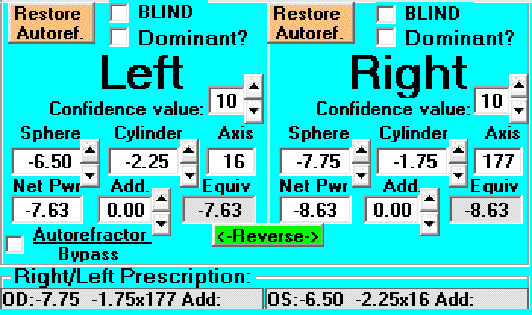
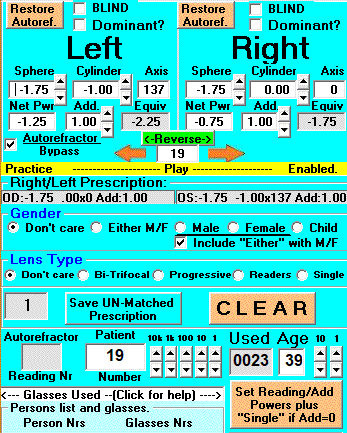
Data Entry area with autorefractor
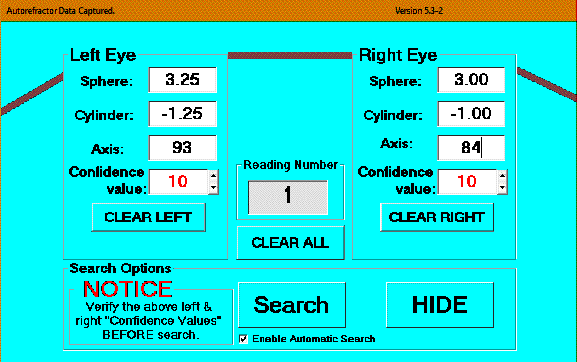
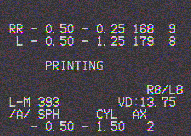
Figure 1
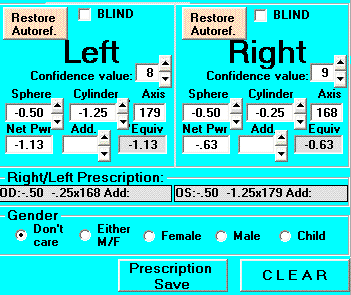
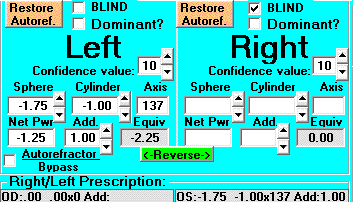
Autorefractor Data Capture Window.
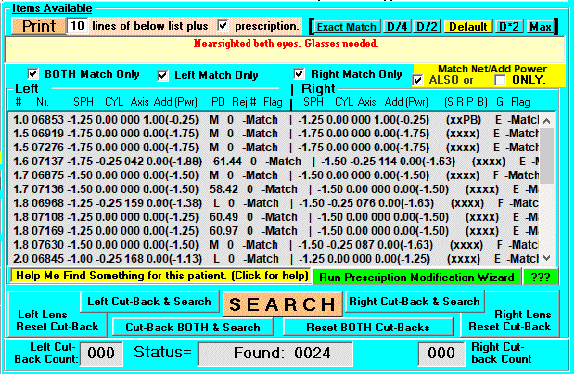
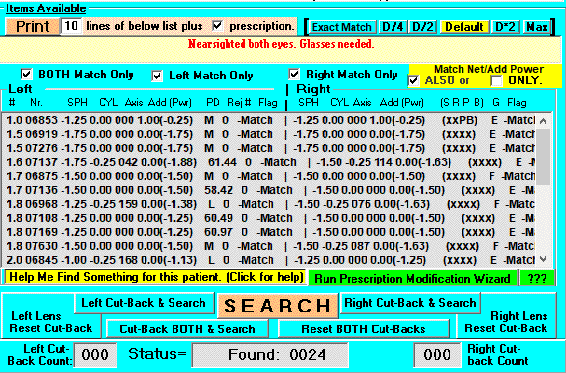
Figure 2
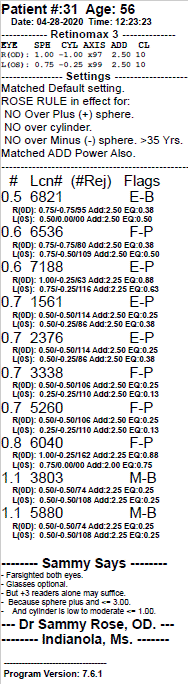
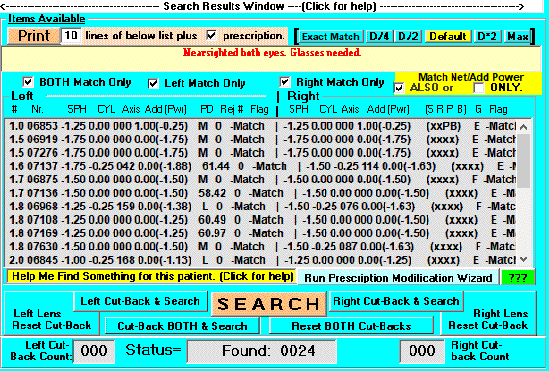
Search results from Autorefractor Data
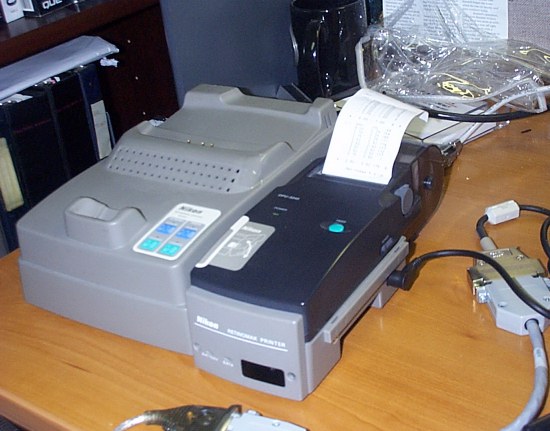
Figure 3
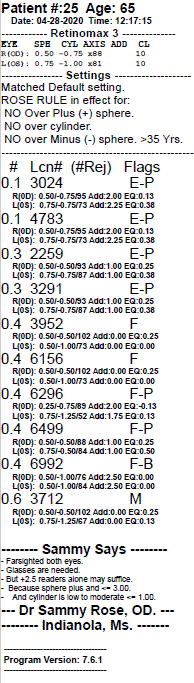
Autorefractor Printer
Figure 4
Autorefractor Viewing window.
Figure 5
Search Response
Figure 6
Person number is selected
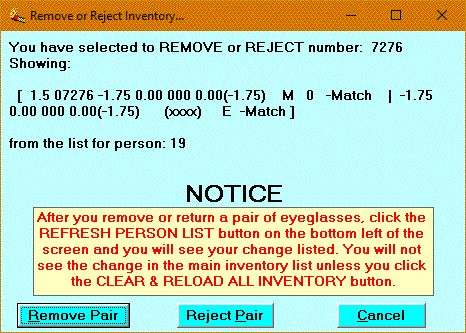
Figure 7
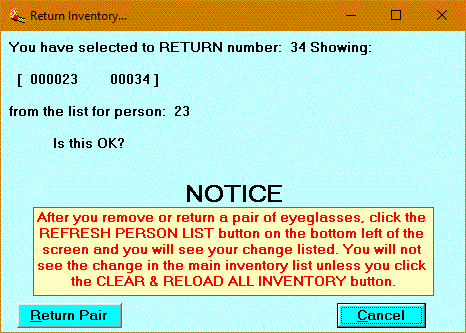
Inventory Removal Request
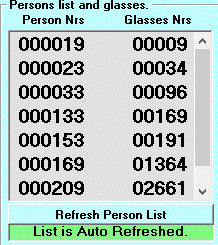
Figure 8
Persons List
Figure 9
Return to inventory
Figure 10
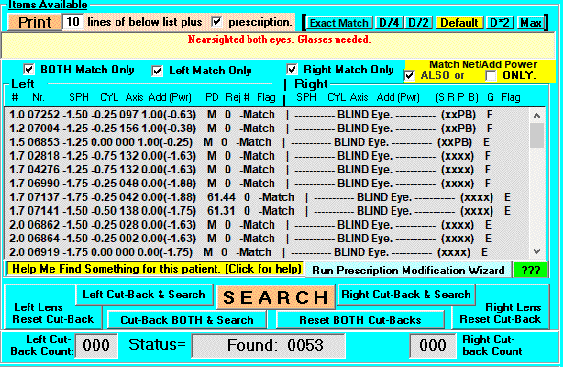
Blind in Right eye Search Response
Figure 11
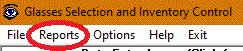
Selecting the Reports Function
Figure 12
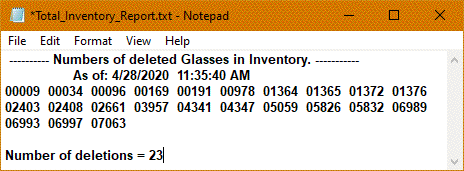
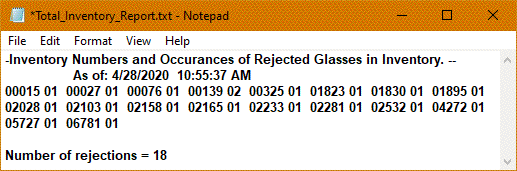
Deleted Items Report
Figure 13
Rejected Items Report
Figure 14
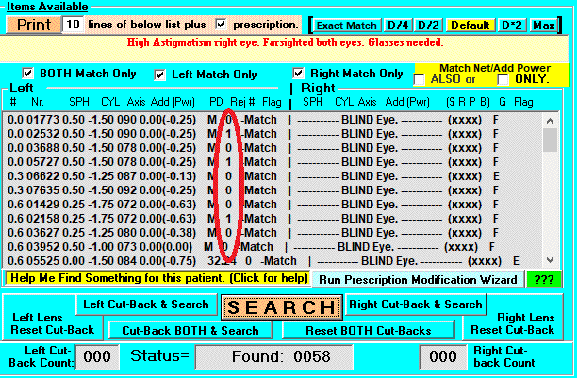
Rejected items showing in search window
Figure 15
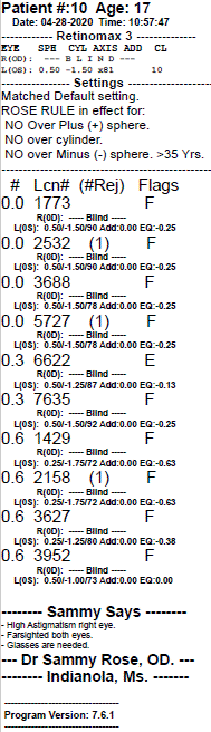
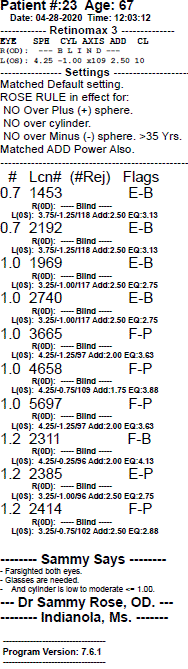
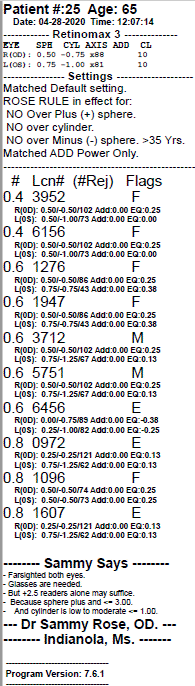
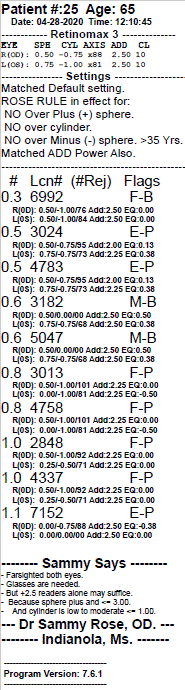
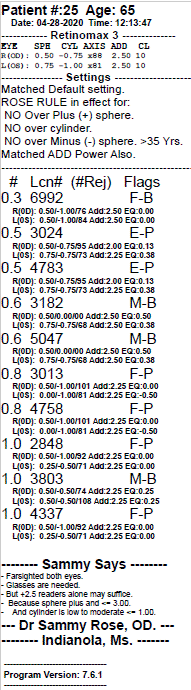
Picklist Printout
Figure 16
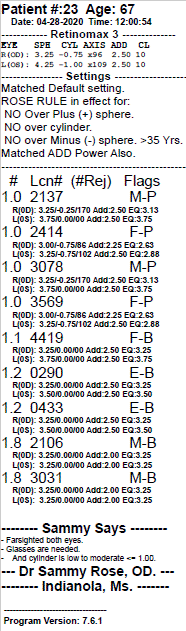
Picklist printout with Age and ADD selection
Reading power is matched also.
Confidence Level is showing
Figure 17
Patient blind in right eye but
reading power matched for left eye.
Figure 18
Reading power not matched
but matched to default setting.
Figure 19
Reading power matched using age.
Matched other parameters to default settings
Confidence level is showing.
Figure 20
Matched after using Wizard to change the
tolerance multiplier on left eye.
Figure 21
Matched after right eye tolerance multiplier was adjusted to *2
Figure 22
Matched after telling Wizard to
Check to remove Bifocal/Trifocal/Progressive Add from search requirement.
Confidence level is showing
Figure 23
Gender Selection (under data entry area)
Figure 24
Age estimation of Reading Power
Figure 25
Also option turned on when age entered.
Figure 26
Patient Prescription
Figure 27
Search results
Figure 28
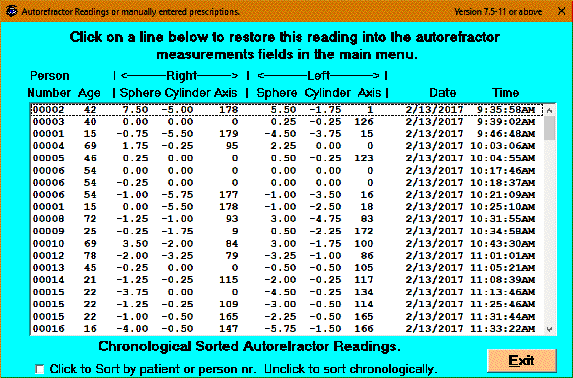
Autorefractor Measurement History.
Figure 29
Blind in right eye
Figure 30
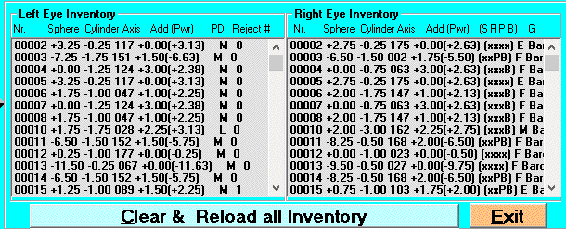
Inventory List
Figure 31
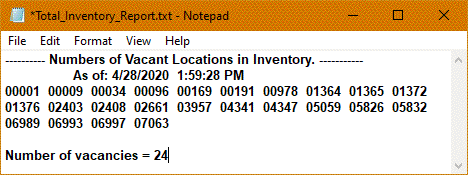
Vacancy Location Report (Includes Deleted Items)
Figure 32
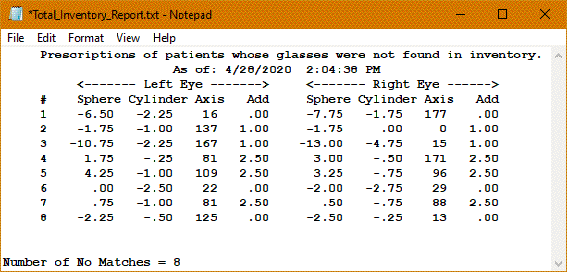
Measurements without a match list.
Figure 33
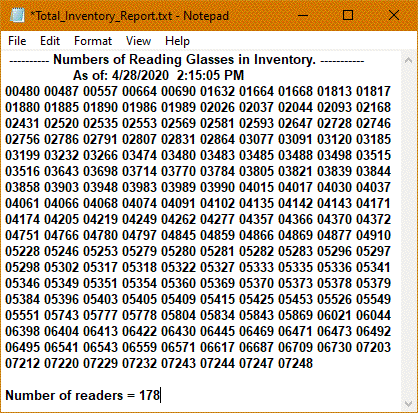
List all Readers
Figure 34
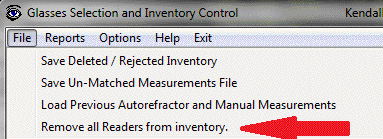
Remove all Readers
Figure 35